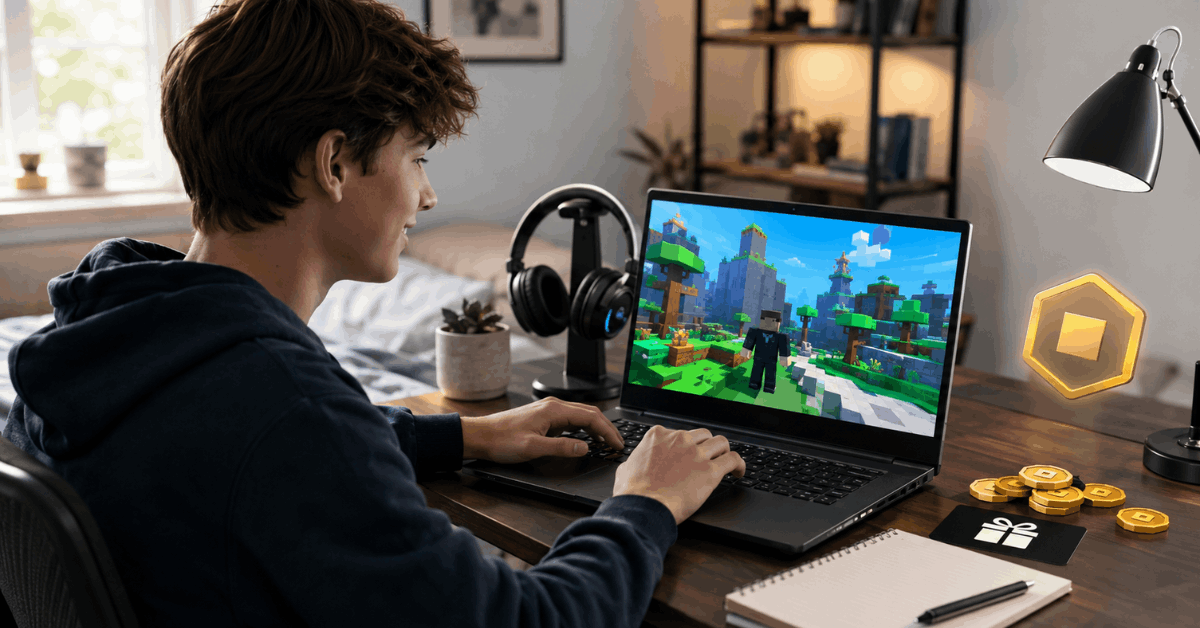
Roblox gift cards have become one of the most popular ways to access extra features or in-game currency – called Robux – for millions of players worldwide.
With digital gaming steadily gaining ground, these cards are not just for younger users; parents and casual gamers also turn to gift cards as a safe, controlled way to enjoy Roblox.
But sometimes, navigating how to redeem them feels slightly complicated, especially if you want to avoid mistakes or risks.
What Are Roblox Gift Cards and Why Use Them?
Roblox gift cards provide a flexible and secure way to obtain Robux or special memberships.
Whether the card comes from a retailer or is emailed electronically, it serves as a kind of bonus currency.
People generally find them useful because there is no need to share credit card details directly with Roblox — which feels reassuring, perhaps, from a safety perspective.
Physical vs. Digital Cards
Physical Roblox cards are available at many stores. You might have spotted them hanging near checkout lanes or electronics sections. Digital versions, on the other hand, arrive via email or online platforms. Both types come with a unique code.
Gift Cards: More Than Just Robux
While most turn to Roblox cards for Robux, some cards may grant extra perks — such as exclusive virtual items or special discounts. These small additions sometimes make gift cards feel more valuable than simply purchasing Robux directly.
Step-by-Step: How to Redeem Roblox Gift Cards for Robux
The process isn’t especially complex, but going through the steps methodically avoids frustration. Patience probably helps, especially if you’re guiding someone younger through the process.
1. Preparing Your Roblox Account
- Sign into your Roblox account, preferably on a trusted device.
- Make sure you remember your login details. This avoids account mix-ups, which, surprisingly, happen more often than expected.
2. Locating the Redemption Page
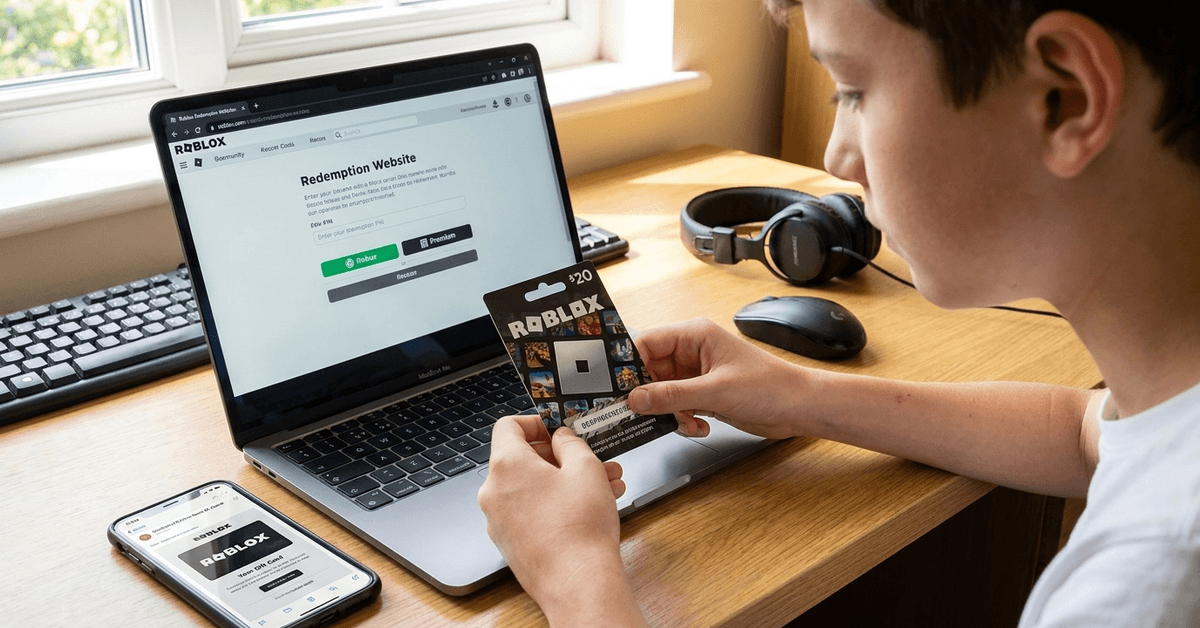
- Visit the official Roblox website (roblox.com).
- From the home page, look for the "Gift Cards" section near the footer or under account settings.
- Choose "Redeem Card." All redemptions should happen only on the official site to keep things safe.
3. Entering the Gift Card Code
- Find the unique PIN on your card or email.
- Type the code exactly as shown — a small typo here causes unnecessary headaches.
- Click "Redeem," but don’t refresh the page immediately; sometimes systems take a moment.
4. Selecting Robux vs. Premium
After redeeming a card, Roblox sometimes displays an option: do you want to convert credit to Robux or use it towards Roblox Premium memberships? This choice can sometimes cause confusion. For most, selecting Robux is the straightforward route, but there’s no strong rule; some may want to consider the benefits of Premium for recurring perks.
5. Confirmation and Checking Your Balance
- After redemption, a success message generally appears.
- For peace of mind, it’s worth checking your account balance — either in your profile or Robux summary.
Common Issues When Redeeming Roblox Gift Cards
It’s natural to encounter occasional hiccups. Even tech-savvy users sometimes worry: Did I enter the code correctly? Is the balance showing up?
Invalid Code Errors
- Codes must be entered precisely. Zeros and capital letter "O" can look alike.
- Sometimes new cards need a few minutes (or hours) to activate. If so, patience is needed, frustrating as that may be.
Redeeming in the Right Region
Gift cards sometimes have regional restrictions. For example, a card bought in Portugal may not always work if your Roblox account is registered elsewhere. This isn’t common but is still worth double-checking.
Already Redeemed?
- If the system says your card is redeemed, it might mean someone made a mistake in typing or the card has genuinely been used.
- In unclear cases, contacting Roblox support via their official help pages offers clarity, though the response can take time.
Staying Safe: Redeeming Without Risk
Safety is obviously a priority, especially for parents. No one wants accounts compromised, or worse, money lost. Keeping a few best practices in mind makes the difference.
Redeem Only on Official Roblox Platforms
Phishing sites, unfortunately, look like Roblox pages and try to trick users. If there’s any doubt about a website’s legitimacy, it’s wise to double-check.
Avoid Sharing Codes
- There’s no need to share gift card codes with anyone, not even Roblox staff.
- Customer support never asks for full codes. If you encounter requests for this, skepticism is probably justified.
Monitor Account Activity
It pays to review account purchases and Robux balances occasionally. While rare, unexpected activity can indicate unauthorized use and should be addressed as soon as noticed.
Practical Tips for a Smooth Redemption Experience
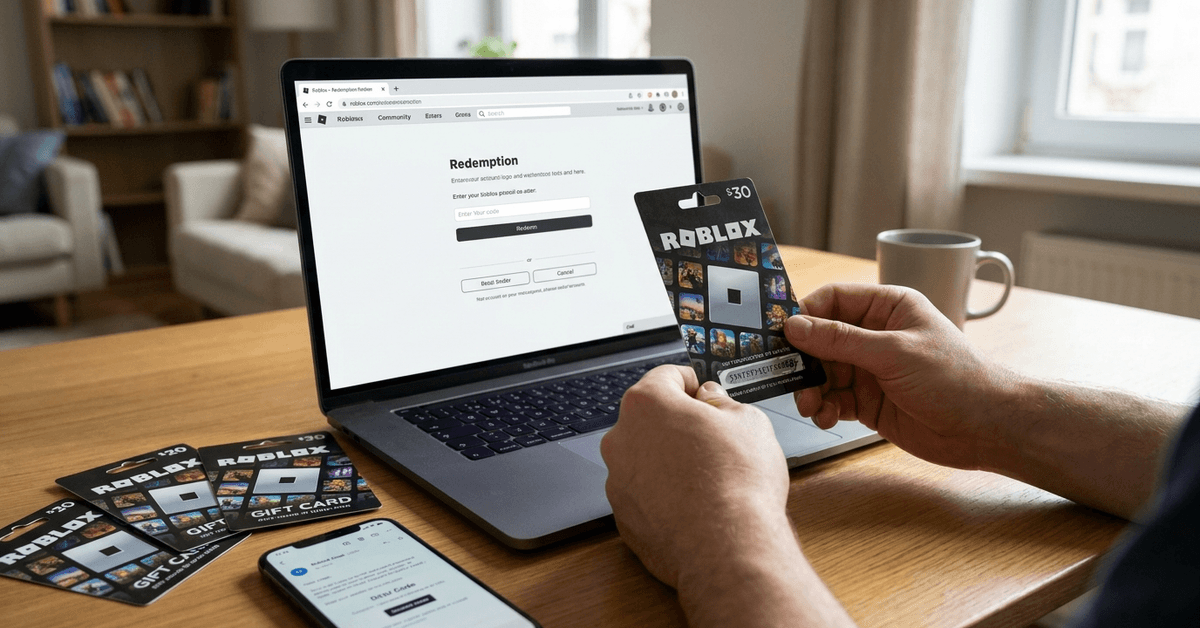
The redemption process usually goes well, but a few preparatory steps help ensure there are no surprises. Perhaps small details matter more than we realize.
Keep Cards and Emails Stored Safely
- Physical cards can easily get lost; digital emails sometimes end up in spam folders. A folder or file keeps them accessible.
Use Unique, Strong Passwords
Account security extends beyond the gift card. Consider updating passwords occasionally, just to be careful.
Know Where You Buy Cards
- Stick with reputable stores or online markets. Some reselling platforms may not guarantee authentic codes, which can be disappointing.
Supervise Redemptions for Younger Users
If children are redeeming, a second set of eyes can help catch mistakes or spot suspicious pop-ups. It might feel unnecessary, but it avoids problems later.
Legal and Account Considerations with Roblox Gift Cards
Gift cards look straightforward, but the small print can matter. Sometimes, for instance, there are questions about refunds, lost cards, or privacy.
Refund Policies
- Usually, gift cards are non-refundable once redeemed.
- Retailers sometimes offer returns for unused, unopened physical cards, but this varies.
Privacy and Parental Controls
Using gift cards limits exposure of personal financial data. However, for fuller privacy, parents may want to look at Roblox’s built-in parental controls — like purchase restrictions or activity notifications.
Frequently Asked Questions About Roblox Gift Cards
- Can one card be split between Robux and Premium? No, you must choose one at redemption.
- Do physical and digital cards offer the same benefits? Essentially, yes – but bonus virtual items may vary by retailer.
- Will Robux expire? Not when redeemed; they remain until used.
Additional Learning and Resources
There’s always more to learn, especially as Roblox updates its systems. The official Roblox help center offers new articles regularly.
Communities like Reddit or Roblox forums also help, though it’s wise to be cautious about sharing any personal information outside Roblox’s own channels.